


4. Theme
Welcome to our Knowledge Base
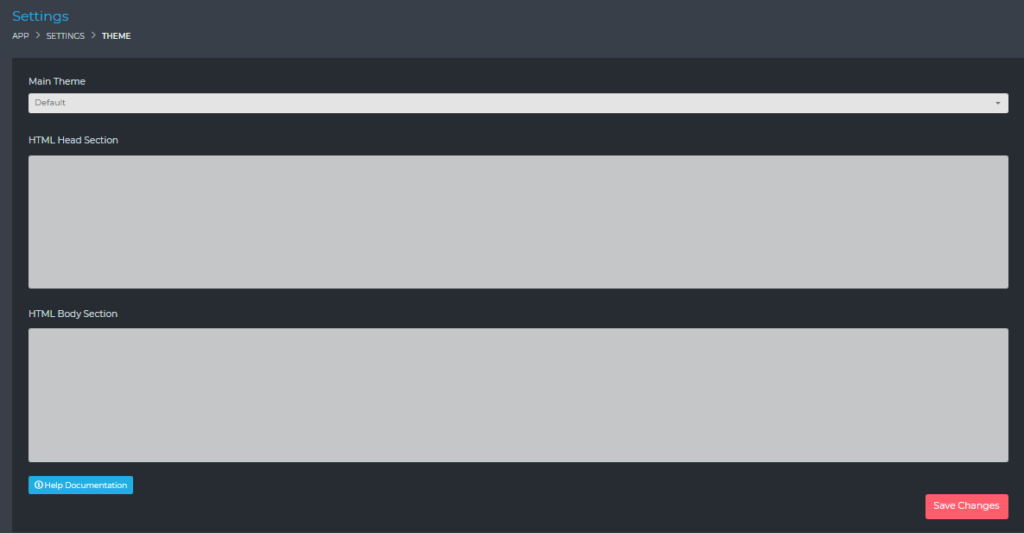
From this page, you will be able to set the default theme that is used by the applications.
You will also be able to set the following details:
- Head – Here you can place any custom Javascript (e.g. Google Analytics)
- Body – Here you can place any custom Javascript/HTML that will be added just before the closing body tag
Installing A New Theme
If you have purchased a new theme from us, or if you have created your own theme, below are the instructions to show you how to upload that theme.
Once you have uploaded your theme, it will become available in the Theme settings shown above.
- Connect to your website via FTP.
- Open the folder named Themes.
- Upload your entire unzipped theme folder.