


21. Knowledge Base
Welcome to our Knowledge Base
The knowledge base section allows you to manage your knowledge base.
General Settings
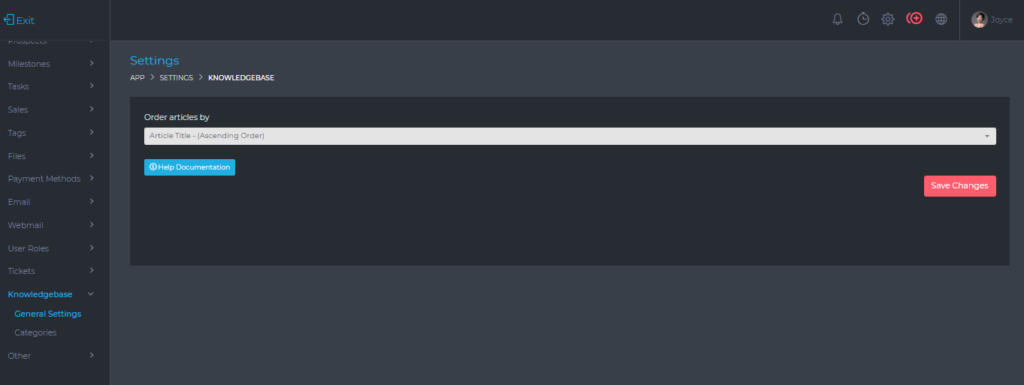
From this page, you can set the following information;
- Order article by
- This sets the ordering of knowledge base articles. For more direct control, you can set your ordering to Article Title – (Ascending Order). You can then name your articles as follows:
- 1. Some example title
- 2. Another example title
- 3. Yet another example title
- This sets the ordering of knowledge base articles. For more direct control, you can set your ordering to Article Title – (Ascending Order). You can then name your articles as follows:
Knowledge Base Categories
From this page, you are able to create, edit and delete knowledge base categories.

You are also able to do the following:
- Set the visibility of each category. If you have articles that you only want your team to view, you can create a category and set its visibility to the team
- You can move articles from one category to another. You do this by clicking the edit icon
- View how many articles are currently in each category
- When enabled, the client will be able to view all expenses recorded on their project