


16. Stripe Payment Gateway
Welcome to our Knowledge Base
The Stipe settings page allows you to add Stripe as a payment method for your clients to use when paying for their invoices.
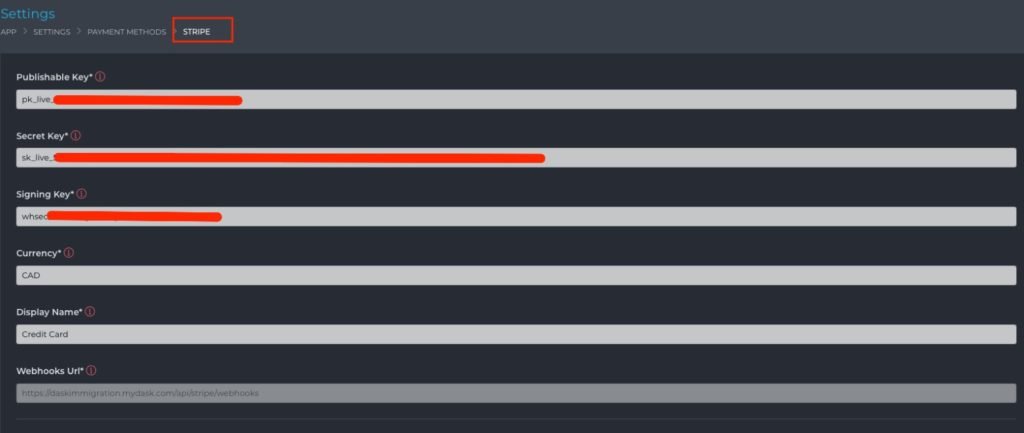
Information Required
- Publishable Key – You can get this from inside your Stripe dashboard (details are given below).
- Secret Key – You can get this from inside your Stripe dashboard (details are given below).
- Signing Key – You can get this from inside your Stripe dashboard (details are given below).
- Currency – The currency that your clients will pay in. You will need to enter a currency code that Stripe supports.
- Display Name – This is the name/title your clients will see when selecting this payment method.