


8. Prospect Settings
Welcome to our Knowledge Base
From the prospects settings page, you will be able to apply settings for how the application will handle prospects. Below are the available settings.
General Settings
Here you can specify what information will be displayed on each lead when being viewed in kanban mode. Example as illustrated in the image below
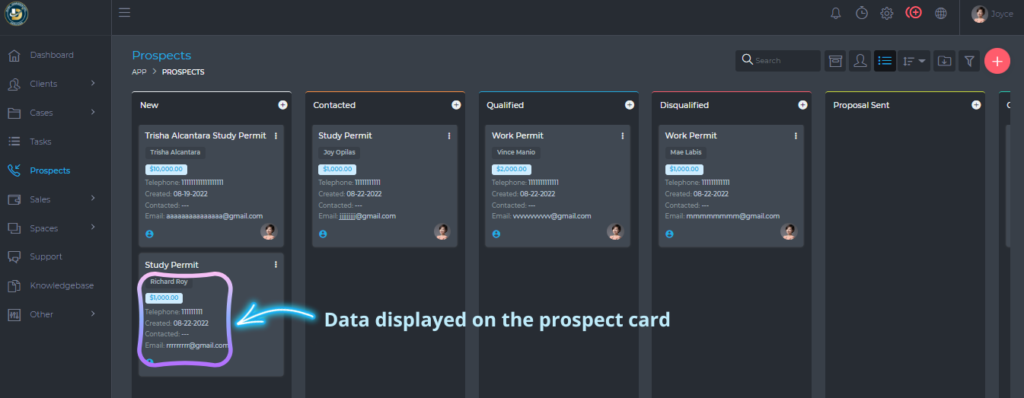
The data shown on the image above can be changed using the settings shown below.
