


7. Case Settings
Welcome to our Knowledge Base
The case settings page allows you to change various aspects of how the Dashboard handles cases. Below are the settings and their explanations.
General Settings
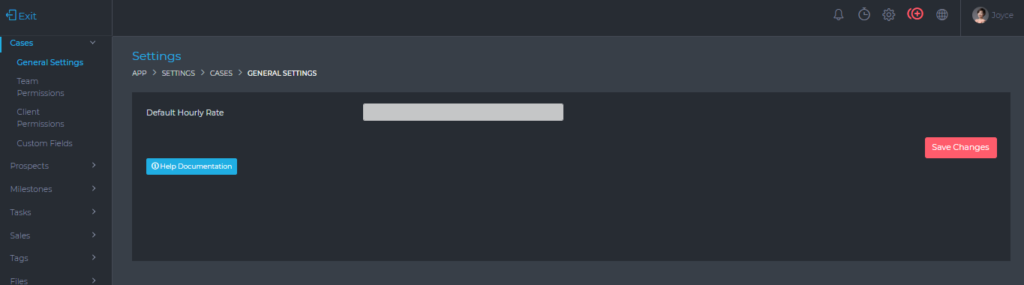
From this page, you can set the following information;
- Default Hourly Rate – This is the hourly rate that is automatically applied to a new case. This can however be changed when creating or editing a case.
Team Permissions
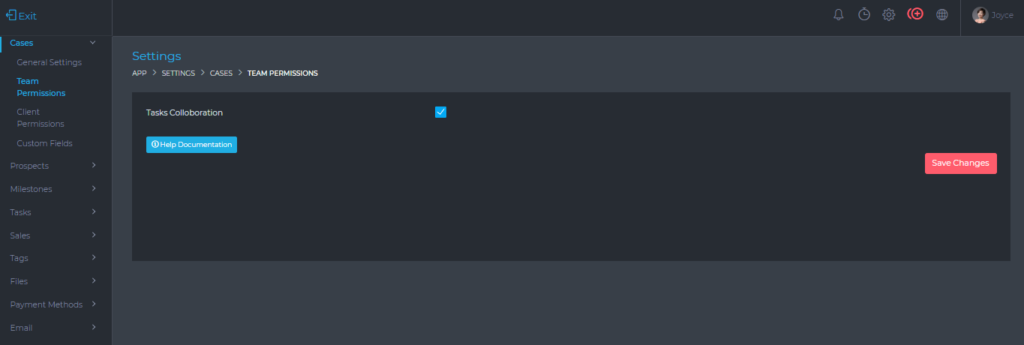
From this page, you are able to set the Task Collaboration option.
When the option is enabled, all team members who are assigned to a project will be able to work together on the case’s tasks, as follows;
- View everyone’s tasks.
- Edit everyone’s tasks.
- Comment, upload files, create checklists, etc, on everyone’s tasks.
Client Permissions
These are the default settings that determine the level of permissions that a client user has, on a case.
These default settings can also be changed when a case is being created or edited

- View Tasks – When enabled, the client will be able to view all tasks that are created on their case.
- Tasks Participation – When enabled, the client will be able to comment, attach files, create checklists, etc, on the case.
- Create Tasks – When enabled, a client will be able to create new tasks for their case.
- View Time Sheets – When enabled, the client will be able to see all the time logged by team members on their cases.
- View Expenses – When enabled, the client will be able to view all expenses records on their case